
Q1 brought some significant updates to SalesPro. These changes are built around how reps actually work in the field and how admins manage pricing and processes behind the scenes. Here’s everything that shipped.
Enforced Resulting
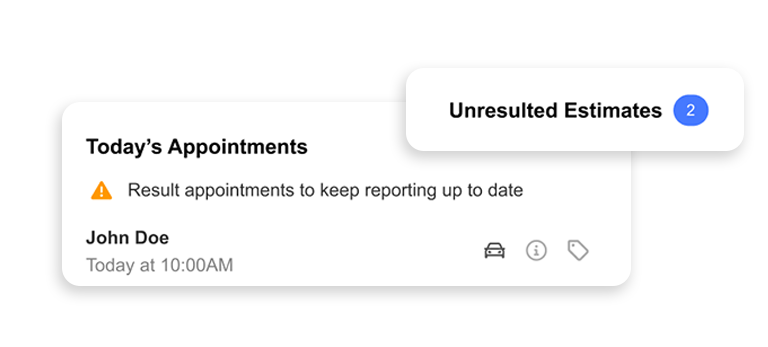
Admins can now choose how resulting is enforced across their team. In Required Mode, reps are blocked from accessing their next appointment until the current one is resulted. In Reminder Mode, reps receive pop-up and home screen notifications prompting them to result without being fully blocked.
Pipeline data only works if reps are actually logging outcomes. Skipping results is one of those habits that quietly kills reporting accuracy. Now admins can dial in the right level of accountability for their team. Your data stays clean. Your pipeline stays reliable.
Category Cloning
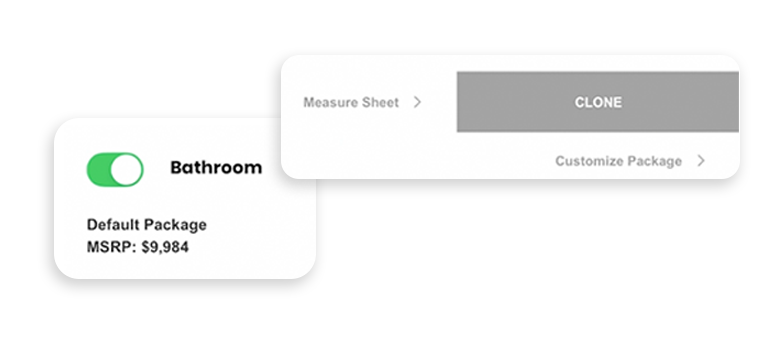
Reps can now duplicate entire product categories within an estimate.
When a job covers multiple rooms or areas, like a home with four bathrooms to remodel, reps can build out one category and clone it for each space. Every room stays separate, so pricing breakdowns are clear and easy to follow. If a homeowner wants to see the estimate without one of the rooms, the rep can toggle it off on the spot instead of manually removing line items.
The result is cleaner estimates, faster appointments, and less scrambling when a homeowner asks to see the numbers a different way.
Reusable Signatures
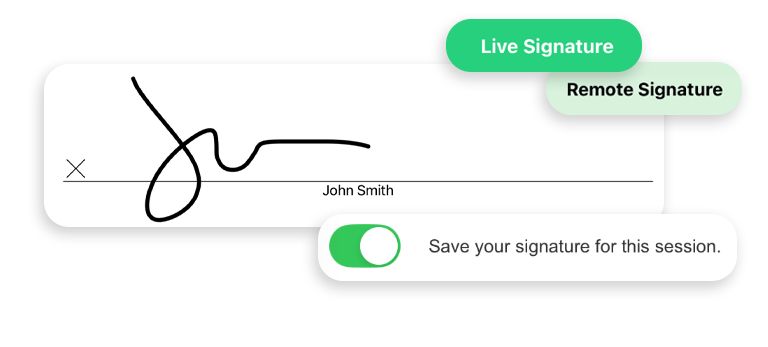
Customers now sign once, and their signature carries through everywhere it’s needed in the document.
Signing a contract multiple times is friction at exactly the wrong moment, especially for homeowners who have difficulty signing on a tablet. Now customers sign once and that signature carries through everywhere it’s needed in the document.
Automatic Sale Result
When a signed contract exists, the appointment result now defaults to a Sale Result Report automatically.
One less manual step after the close. The system recognizes what happened and logs it correctly, so reps aren’t hunting through fields right after a win.
Master Price Guide
– coming soon
Multi-location companies can now share a single Price Guide across all of their SalesPro accounts.
The Price Guide is the full estimating foundation reps work from every day. It stores product categories, measure sheet items, pricing options, upcharges, formulas, packages, and detail fields like notes and photos. It also controls how estimates are structured and presented to homeowners, including good/better/best options and room-by-room or item-by-item breakdowns.
For organizations running multiple offices, update it once in your main account and every location gets the change automatically. No pricing inconsistencies, no manual updates per office.
Monthly
Admin Training
Recurring webinars are now available for new admins getting started in SalesPro.
A consistent onboarding resource that doesn’t depend on your CSM’s availability. New admins have a reliable place to get up to speed, on their schedule.
Ready to Get Started?
Register for our Upcoming WebinarsThat’s Q1 for SalesPro. See everything we’ve shipped in our release notes.